💰 Quick Spend
Smart Expense & Income Tracking with Voice Input
A Flutter mobile app for quickly logging expenses and income with AI-powered voice input. Supports 6 languages (English, Vietnamese, Japanese, Korean, Thai, Spanish) with natural language understanding and slang recognition across 6 currencies.

Powerful Features
Everything you need for effortless expense tracking
Core Features
Voice Input - 6 Languages
Natural language voice input in English, Vietnamese, Japanese, Korean, Thai, and Spanish with automatic speech-to-text conversion
AI-Powered Categorization
Automatic categorization using Gemini 2.5 Flash with 15 daily AI parses, plus unlimited fallback rule-based parsing
Expense & Income Tracking
Track both expenses and income across 13 categories (7 expense + 6 income) with color-coded display
Multi-Language Support
Fully localized in 6 languages with slang recognition (Vietnamese: ca/củ/cọc, etc.) across 6 major currencies
Local-First Storage
SQLite database with complete offline functionality. Export to JSON (full backup), import with duplicate detection
Advanced Analytics
Donut charts, trend analysis, calendar view, period filtering, and comparison between current and previous periods
Smart Input Recognition
Natural Language
Understands phrases like '50k coffee' or '1.5m shopping' automatically across all 6 supported languages
Multiple Formats
Supports various number formats: 50k, 1.5m, 100 nghìn, 45 ca tiền, and more in different languages
Batch Entry
Extract multiple expenses/income entries from a single voice or text input (e.g., '50k coffee and 30k parking')
Smart Categorization
13 fully localized categories with custom category creation, icons, and colors. Context-based auto-categorization
Analytics & Data Management
Comprehensive Trends
Track spending/income patterns with donut charts, trend analysis, and period comparison (current vs previous)
Calendar View & Filtering
Calendar showing daily totals, filter by Today, Week, Month, Year, or Custom date ranges
Export & Import
Export to JSON for complete backup with categories and settings. Import from JSON with automatic duplicate detection
Easy Management
Swipeable cards for quick editing and deletion. Custom categories with personalized icons and colors
Modern Tech Stack
Built with cutting-edge Flutter technologies
Flutter
Latest stable Flutter framework for cross-platform development
SQLite (sqflite)
Fast local database for reliable expense storage
Firebase AI + Gemini 2.5
AI-powered expense parsing and categorization
Provider
State management for reactive UI updates
speech_to_text
Voice recognition for hands-free expense logging
fl_chart
Beautiful charts and statistics visualization
easy_localization
Seamless English and Vietnamese language support
Clean Architecture
Provider-based state management with local-first design
Quick Spend follows clean architecture principles with Provider for state management, ensuring a responsive and maintainable codebase.
Provider Pattern
Three main providers for expense, settings, and statistics management
Local-First Design
All data stored locally with SQLite for complete offline functionality
Service Layer
Dedicated services for amount parsing, language detection, and categorization
Material Design 3
Comprehensive design system with semantic colors and spacing
App Screenshots
Beautiful and intuitive user interface
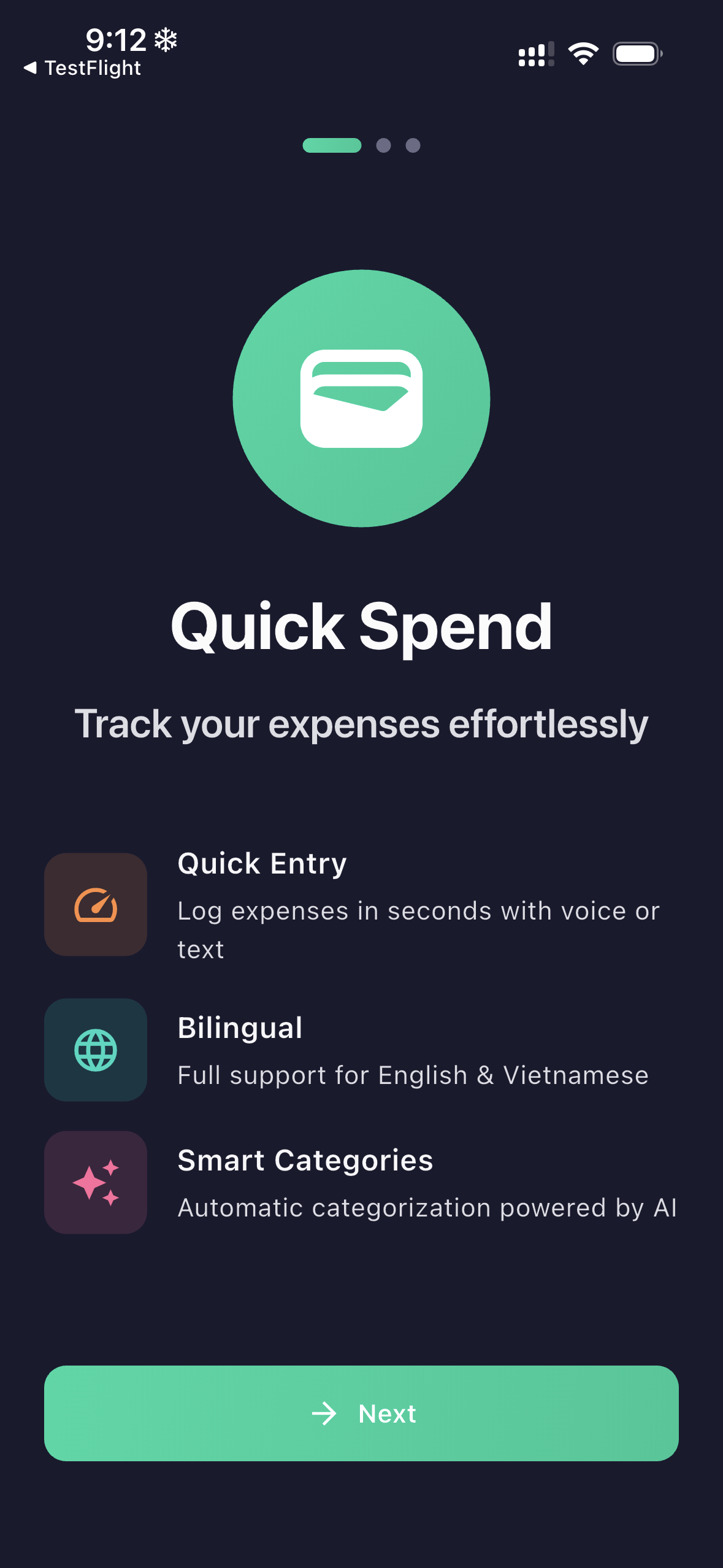
Onboarding & Setup
Home Screen

Voice Input
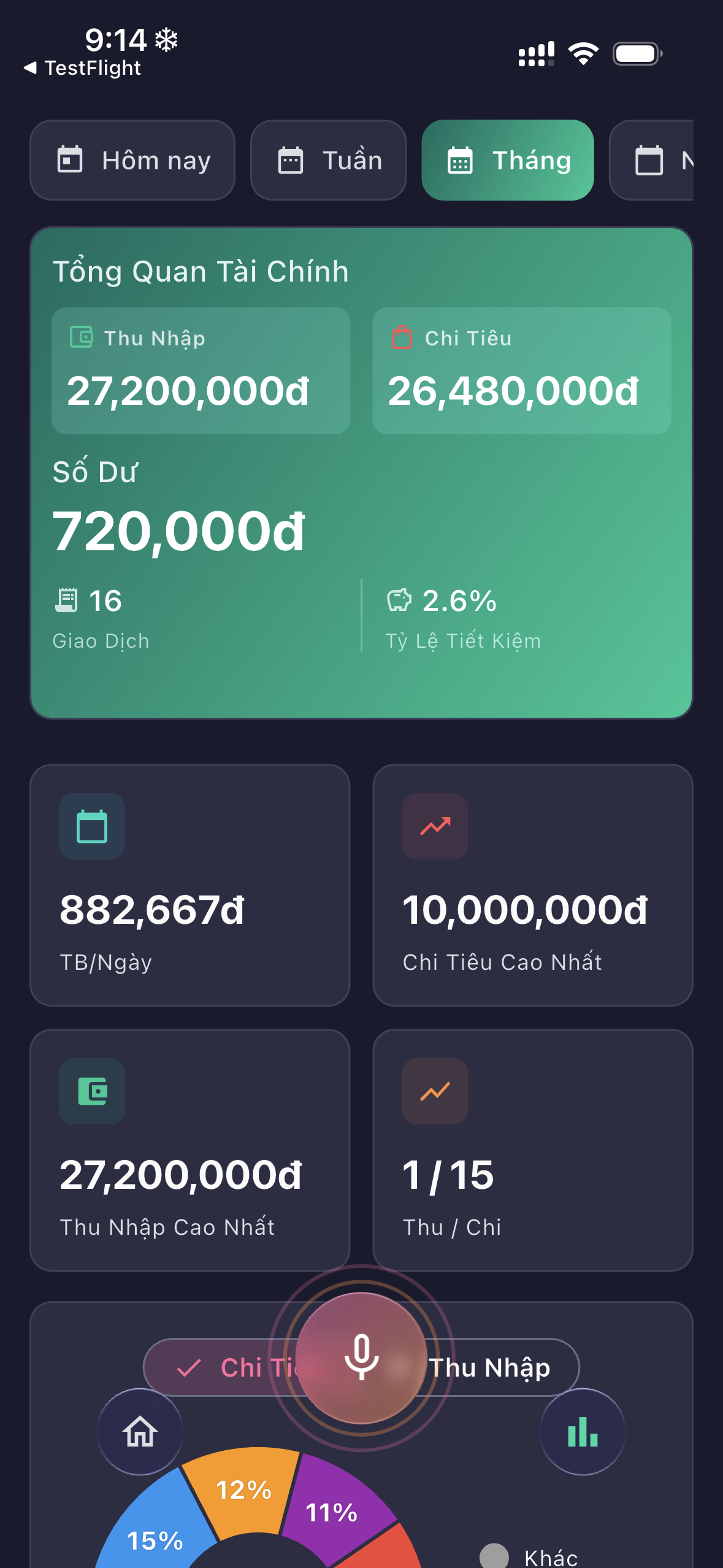
Statistics & Reports
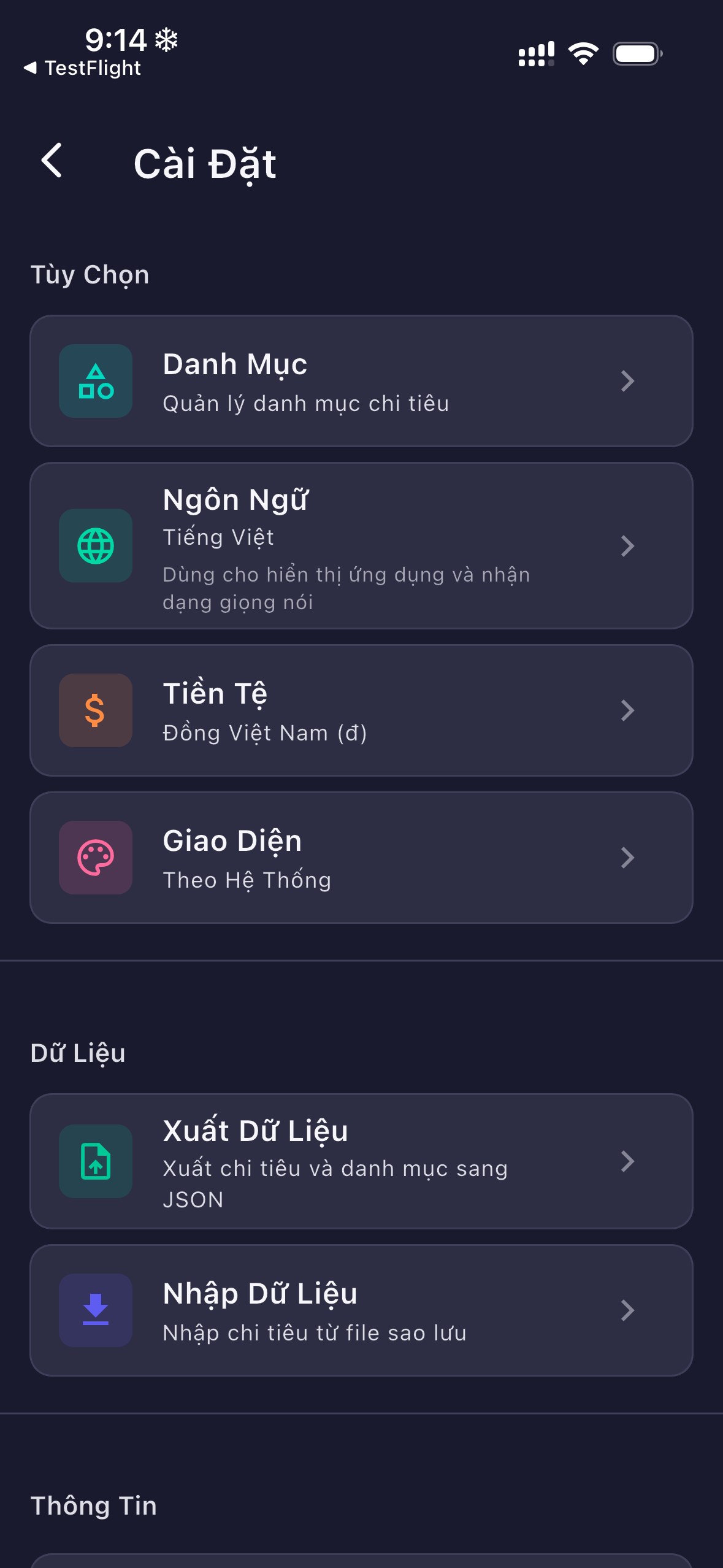
Settings
Get Started Today
Download Quick Spend and take control of your finances
Start tracking your expenses effortlessly with voice input and AI-powered categorization.
Requirements
- Android 5.0+ or iOS 12.0+
- Microphone access for voice input
- Internet connection for AI categorization (optional)
- Completely free and open source
Support & Feedback
We're here to help improve your experience
Have questions, feedback, or need assistance? We'd love to hear from you! Send us a message and we'll get back to you as soon as possible.